Stop answering “what’s the Wi‑Fi?” at 10pm
A welcome book guests actually read. They scan the tag by the door and everything’s on their phone: key safe, Wi‑Fi, heating, bins. No app to download.
14 days free, no card. Then £9.99 a month. We draft the guide from your listing.
No listing link? We’ll set it up with you, free.

- Set up with you, freeNot techy? We’ll build your first guide together.
- Works offlineOnce opened, it stays on the guest’s phone.
- Print it tooA matching A4 or A5 binder for the house.
- UK company, UK GDPRData hosted in the EU. Cancel in two clicks.

Step 1 of 3
Paste your listing. We draft the guide.
Photos, check-in, house rules and the details guests ask about, pulled from your listing in a minute.
Step 2 of 3
Check it over a cuppa.
Fix the key safe code, add the bin days, recommend the bakery. Edit on your phone; changes go live in seconds.
Step 3 of 3
Hang the tag. Guests stop calling.
Engraved tag by the door, or a printed card. Guests scan it and find the answers themselves.
Create my free guideWhat guests see
Everything they’d text you about, already on their phone.
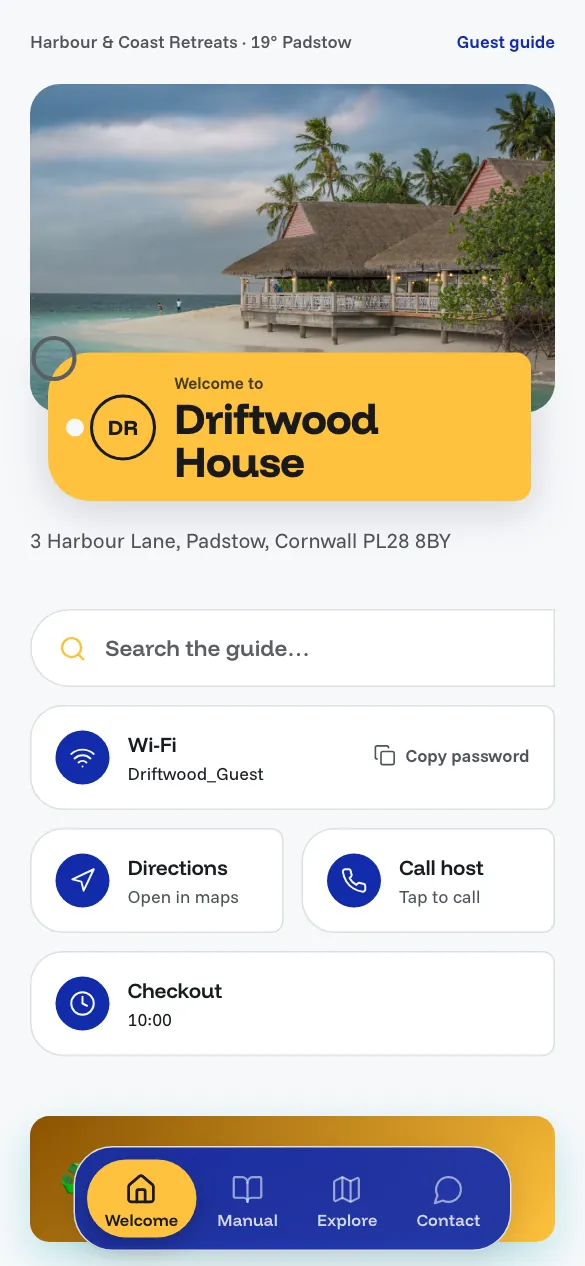
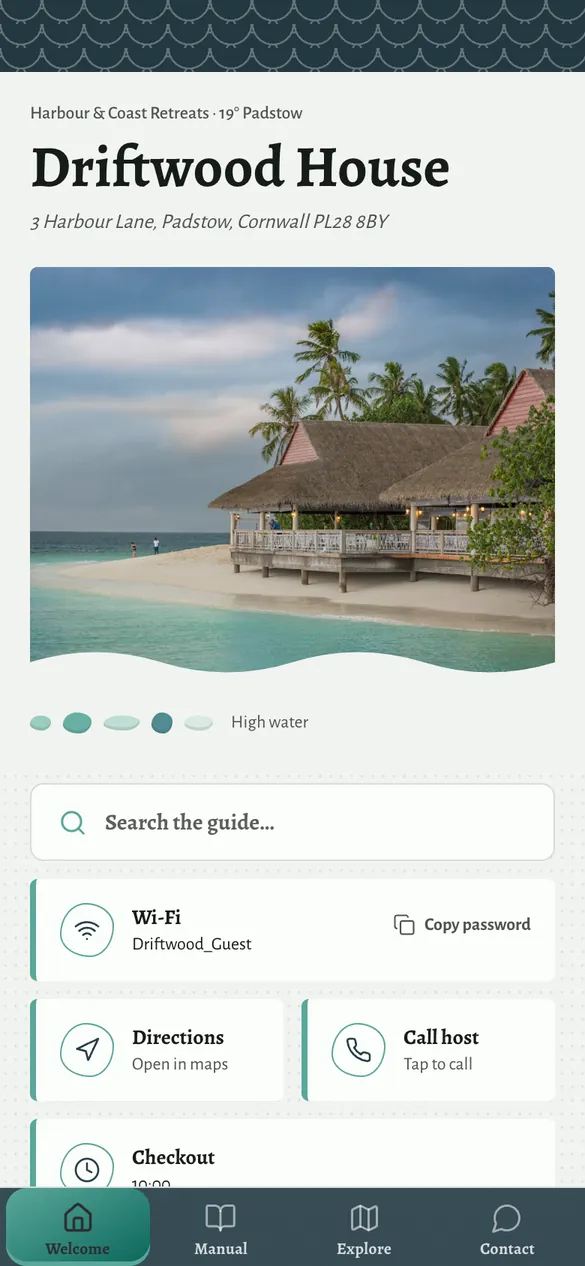
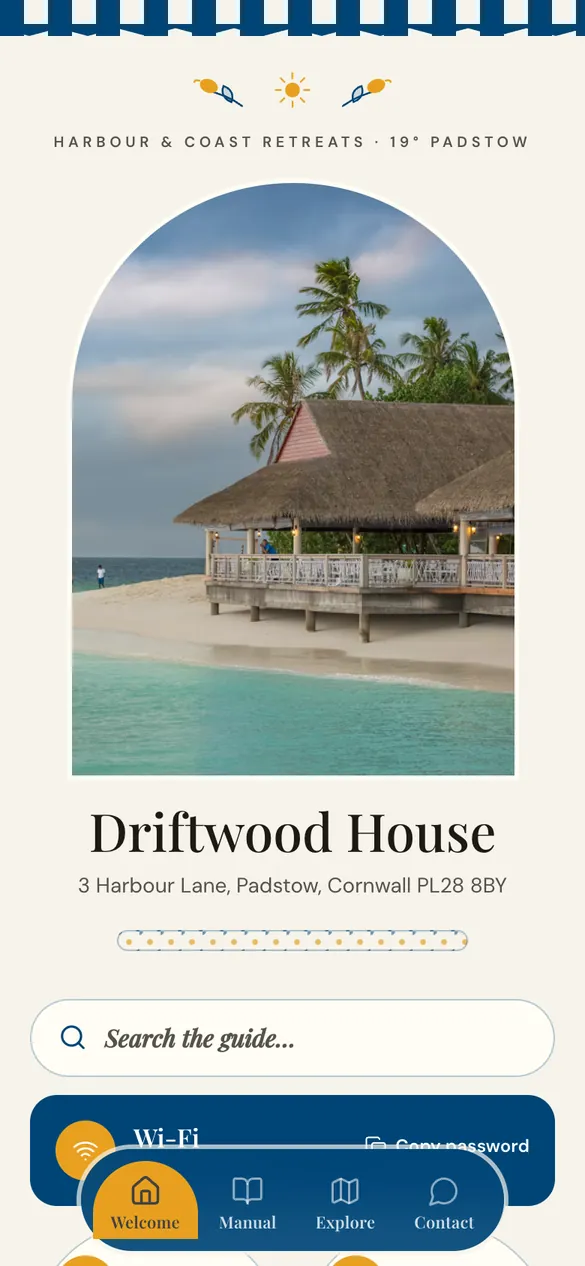
47 themes in all
Here are seven. Pick the one that feels like your place.
A whitewashed beach house and a city flat shouldn’t look the same. Every theme carries the same content, so you can switch any time.
Real themes, shown on a sample guide. Browse all 47
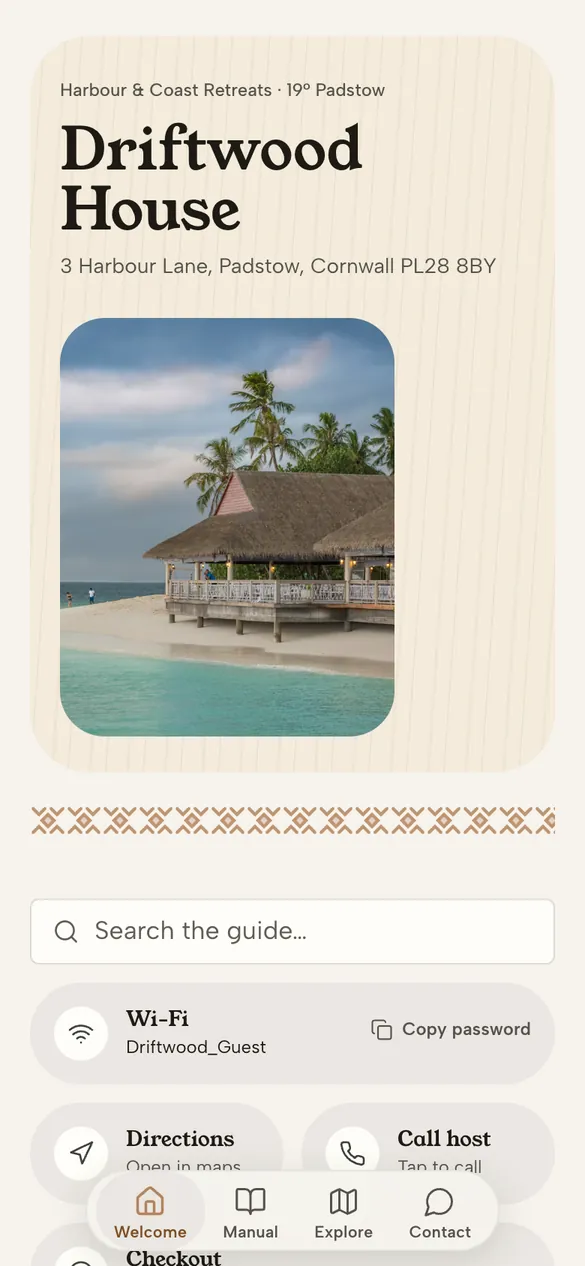
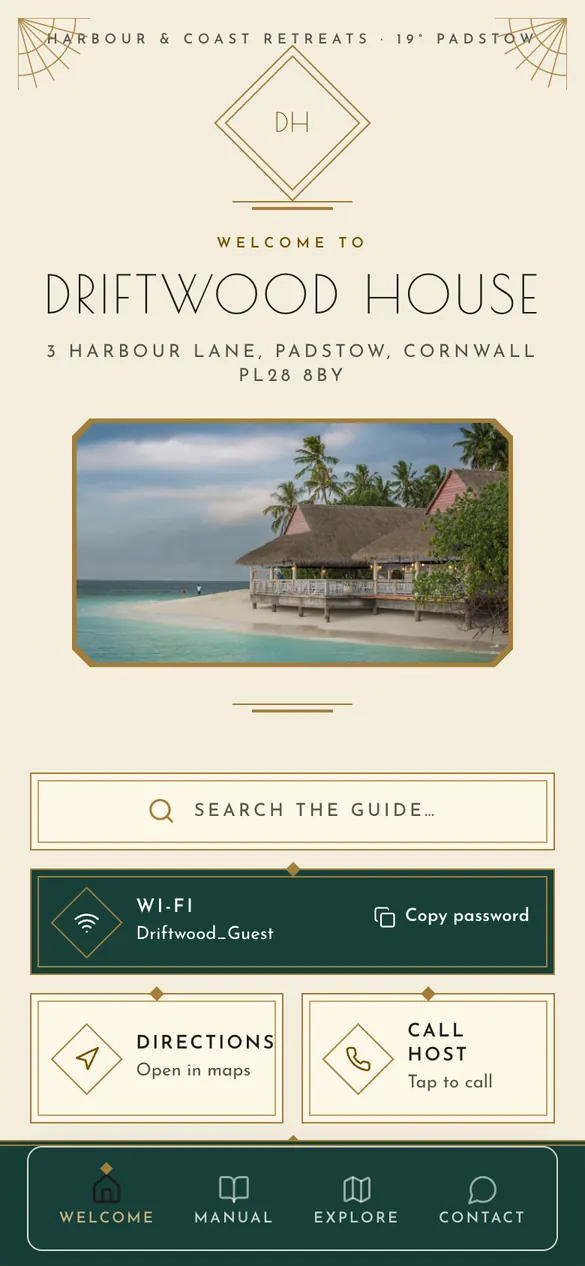
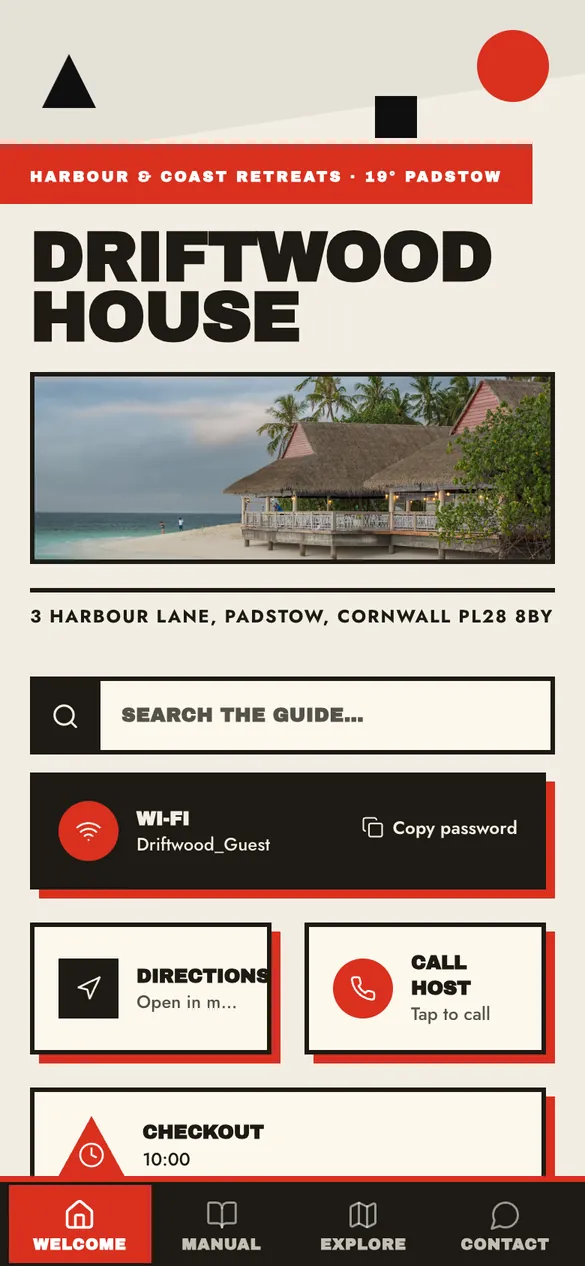
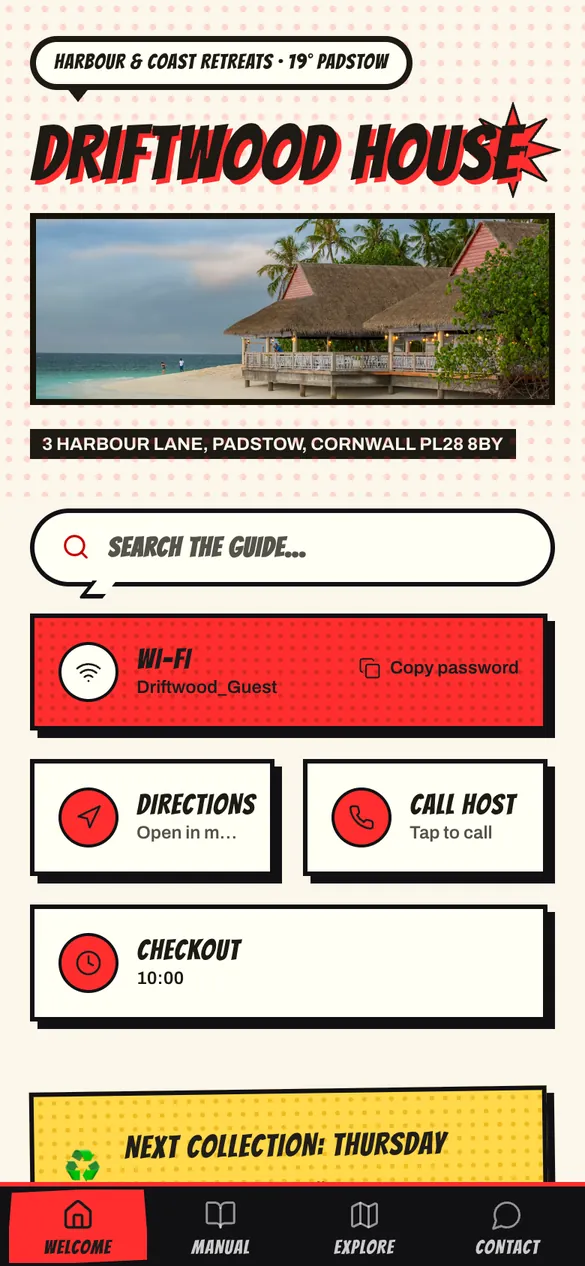
- Works offlineKeeps working offline once opened. Handy where signal is patchy.
- Print it as a binderThe same guide as an A4 or A5 binder for the house, for guests who prefer paper.
- Your local favouritesPubs, bakeries and walks, with directions straight to the door.
- Edit from your phoneChange the code or the Wi-Fi and the guide updates. The tag stays the same.
Live demo
Have a tap around a real guide.
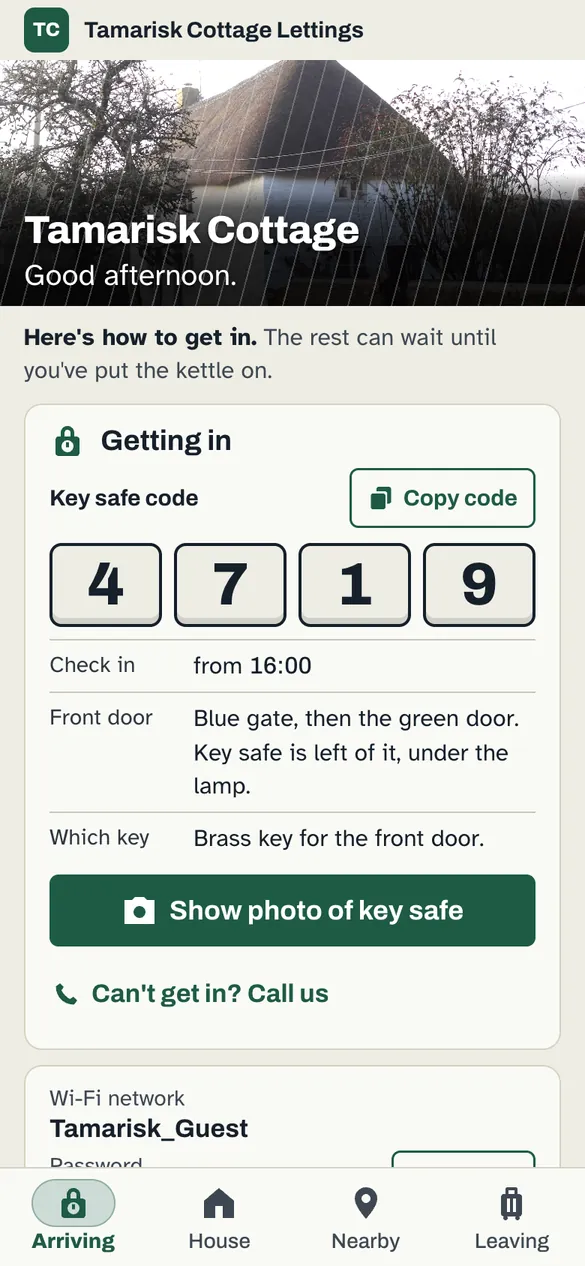
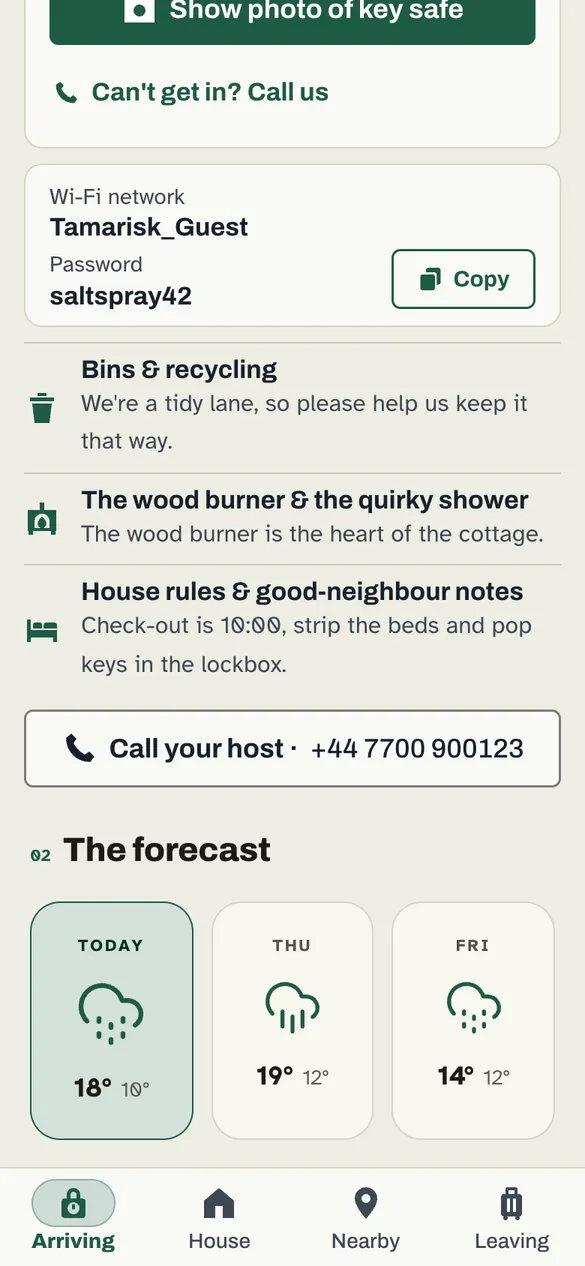
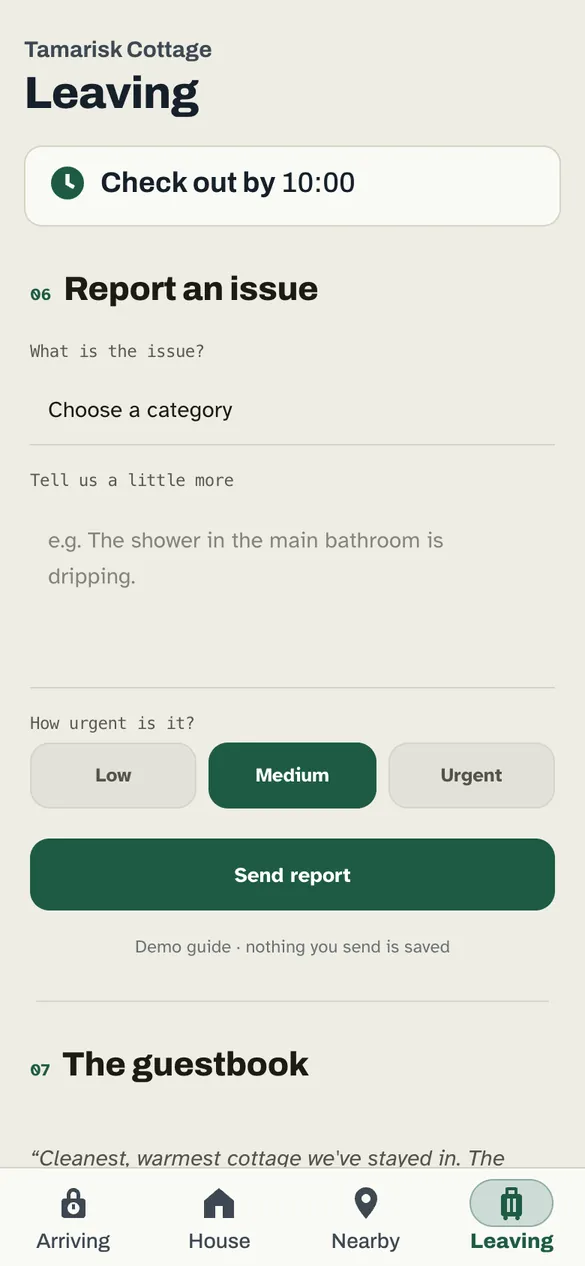
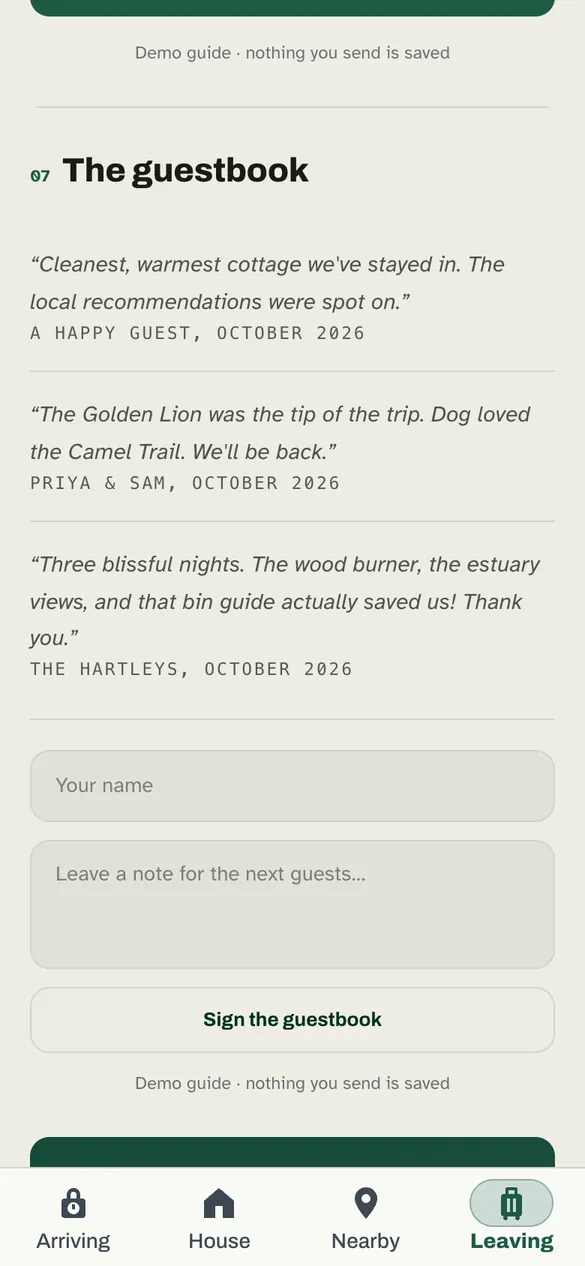
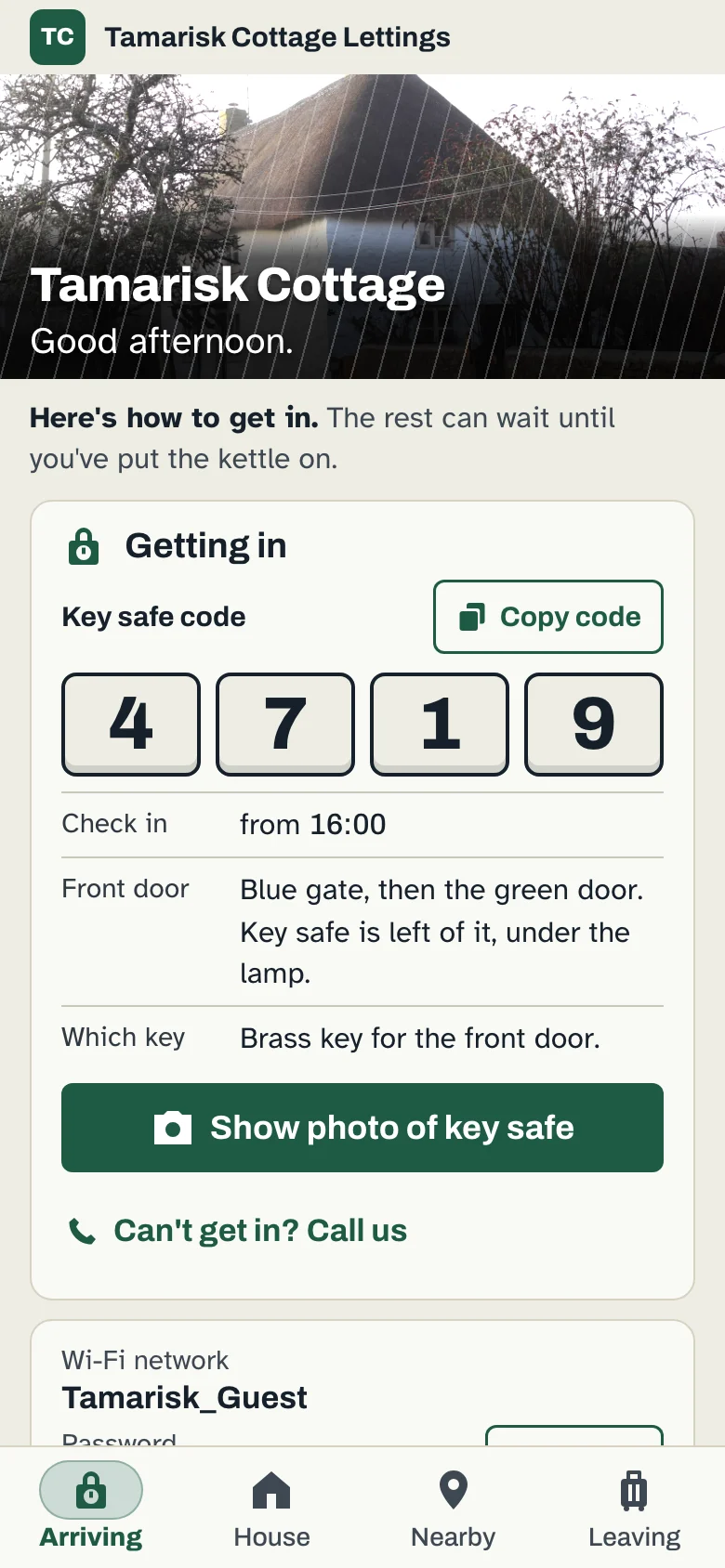
This is Tamarisk Cottage, our demo property, running live. It’s exactly what a guest sees after scanning the tag.
- Arriving Key safe code, check-in time and directions first.
- The house Wi‑Fi, heating, the wood burner, bin days.
- Nearby Your favourite pub, beach and bakery.
- Leaving Check-out steps and a way to report an issue.
Pricing
£9.99 a month. That’s it.
- First property£9.99 a month
- Each extra property£3.99 a month
- Or pay yearly£89 a year save £30.88
14 days free, no card. Cancel in two clicks. The price you see is what you pay.
£9.99a month
Add an engraved aluminium tag, £29.99 one-off. Your property name and QR code, made to hang by the door. A printable QR card comes free with every guide.
Running 20 or more properties?
Team roles for owners and cleaners, bulk edits across every guide, CSV import, and your agency’s name and colour on each one.
I'm not very techy. Can you help?
Yes. Email us your listing link and we'll build your first guide with you, free. You check it over, then print the QR card or order a tag.
Do guests need to download an app?
No. They point their phone camera at the tag and the guide opens in the browser. No app, no login.
What if I change the key safe code?
Edit it on your phone. The tag and QR stay the same, and the guide updates straight away.
Is it safe to put the key safe code in a guide?
The QR only opens your guide, so anyone who scans it can see what's in it. If you'd rather not show the code there, leave it out and send it in your booking message instead.
What about guests who don't use smartphones?
Print a matching copy. Every guide can be printed as an A4 or A5 binder for the house, so nobody is left out.
I don't use Airbnb. Can I still use it?
Yes. Starting from a listing link just saves typing. You can build a guide from scratch, or we'll set it up with you.
Does it work with poor signal?
Yes. Once a guest has opened the guide, it's saved on their phone and works offline.
Where is my data kept?
StayBinder is a UK company working under UK GDPR. Data is hosted in the EU (Frankfurt). See our privacy and security pages for the full list of providers.
Can I cancel?
Yes, any time, in two clicks from Settings. No card is needed for the free trial.
Try it on one property.
14 days free, no card. Not techy? Email us and we’ll build your first guide with you, free.
Or write to info@staybinder.co.uk. A real person replies.